

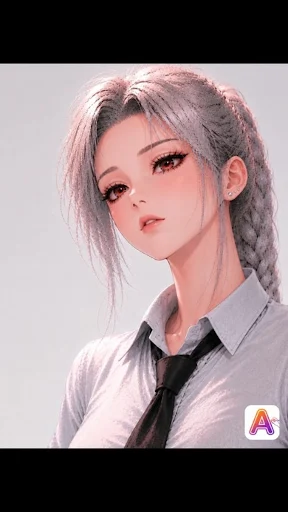
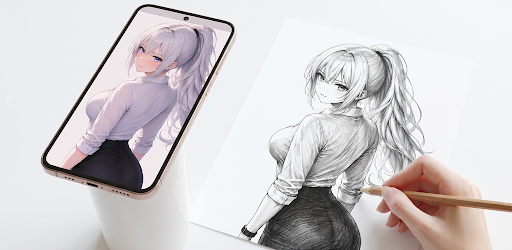
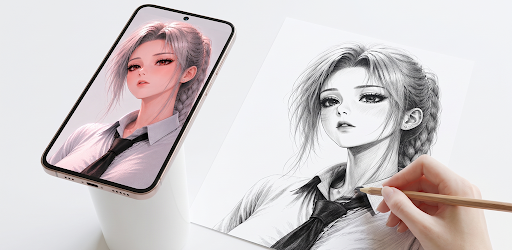
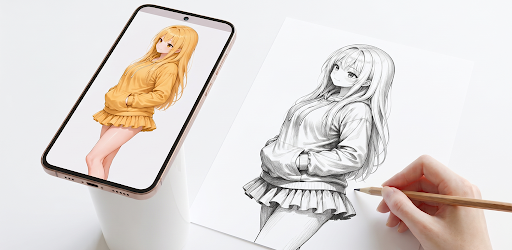
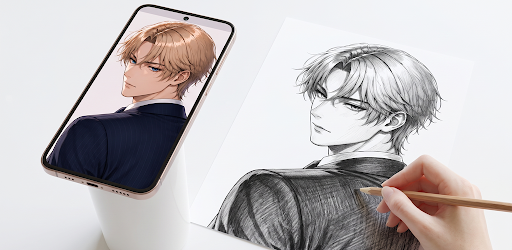
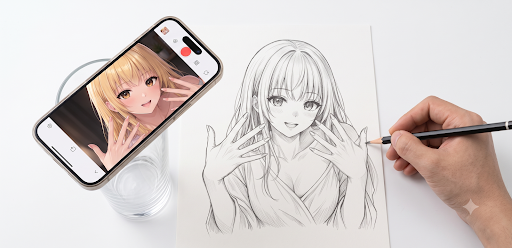
AnySketch Neo AR Trace Drawing is an app that assists users in creating art by tracing images and transforming photos. It utilizes augmented reality (AR) to project reference images onto your physical paper through your device’s camera, aiding in precise sketching and proportion. The app also features an AI tool that can convert your personal photos into anime-style line art, ready for tracing. These core functionalities are offered completely free, without ads or in-app purchases, aiming to make artistic creation accessible.
AR Trace Drawing and Image Sourcing
The app’s primary function is AR Trace Drawing, which overlays a chosen reference image onto your paper as viewed through your device’s camera. This allows you to trace outlines and details directly onto your physical drawing surface. To get started, you can either capture a new photo of your surroundings or import an image directly from your device’s gallery. This flexibility ensures you can use a wide range of subjects for your sketches.
AI Anime Style Transformation
A distinctive tool within AnySketch Neo is its AI Anime Style Draw feature. This allows you to transform your existing photos into anime-style line art. Once converted, these stylized outlines can then be used as reference images for tracing, offering a unique creative starting point.
Reference Material and Community Features
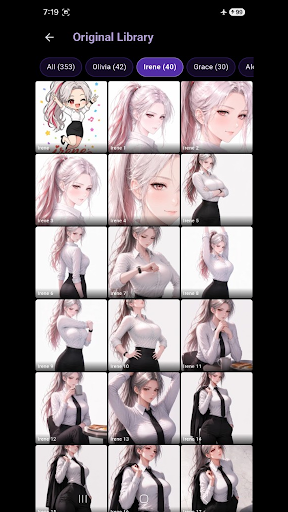
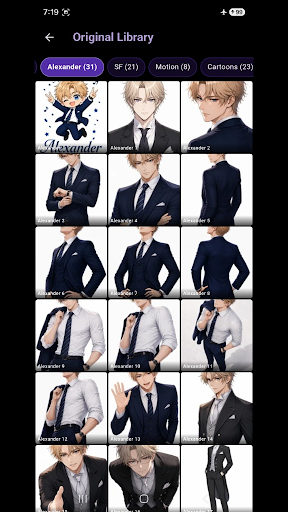
Beyond personal photos, the app provides an Original Library containing 228 professional official sketches across categories like characters, animals, and flowers. This library is updated with new content. Users can efficiently find specific sketches using the Smart Search function, which works for both the Original Library and the Network Gallery. The Network Gallery is a community space where users can browse, like, download, and share their own sketches with other artists globally.
Drawing Controls and Privacy
AnySketch Neo includes several controls designed to streamline the drawing process. You can adjust the transparency of the overlay, the outline thickness, and the extraction quality of reference images in real time. A Screen Lock feature allows you to pin your sketch in place, preventing accidental movement while you are drawing. For privacy, the app states that core tracing functions operate entirely on your device, meaning no account or login is required, and your photos and sketches do not leave your device unless you actively choose to post them to the Network Gallery. Anonymous crash and diagnostic data are collected solely for stability improvements.
Recent Enhancements
Recent updates have refined the user experience, including an important security update for network connections. Accidental image movement caused by touching the drawing screen to access controls has been addressed. Additionally, the app now provides a warning if it is too dark to record a timelapse video before recording commences.







Write a review